
Download lavachart – flowchart, diagram, visualization, brainstorming, project management, idea mapping, creative tools, productivity app, text-based flowchart, automated diagramming
Overview
lavachart is a modern productivity mobile application designed to simplify the creation of flowcharts and diagrams without requiring any graphic design expertise. The app enables users to generate visual representations of ideas, processes, and systems by simply typing text, making it accessible to individuals across various professional backgrounds. Its core purpose is to reduce the time and effort traditionally spent on manual symbol placement, alignment, and connection adjustments—common frustrations in conventional diagramming tools. By automating these elements, lavachart allows users to focus on the content and logic of their ideas rather than the mechanics of design.
The app is particularly beneficial for creative professionals, project managers, educators, writers, and students who rely on visual thinking to organize complex information. Whether mapping out a novel’s plot structure, planning a software development lifecycle, or outlining a business strategy, lavachart supports a wide range of real-world use cases. The developer, Lavachart, has positioned the app as a streamlined solution for rapid ideation and collaborative planning. As part of the growing ecosystem of digital productivity tools, lavachart fills a niche by combining text input with intelligent visualization, offering a faster alternative to traditional diagramming software. Its release on November 5, 2024, marks a new approach to accessible visual communication on mobile devices.
Key Features & Functionality
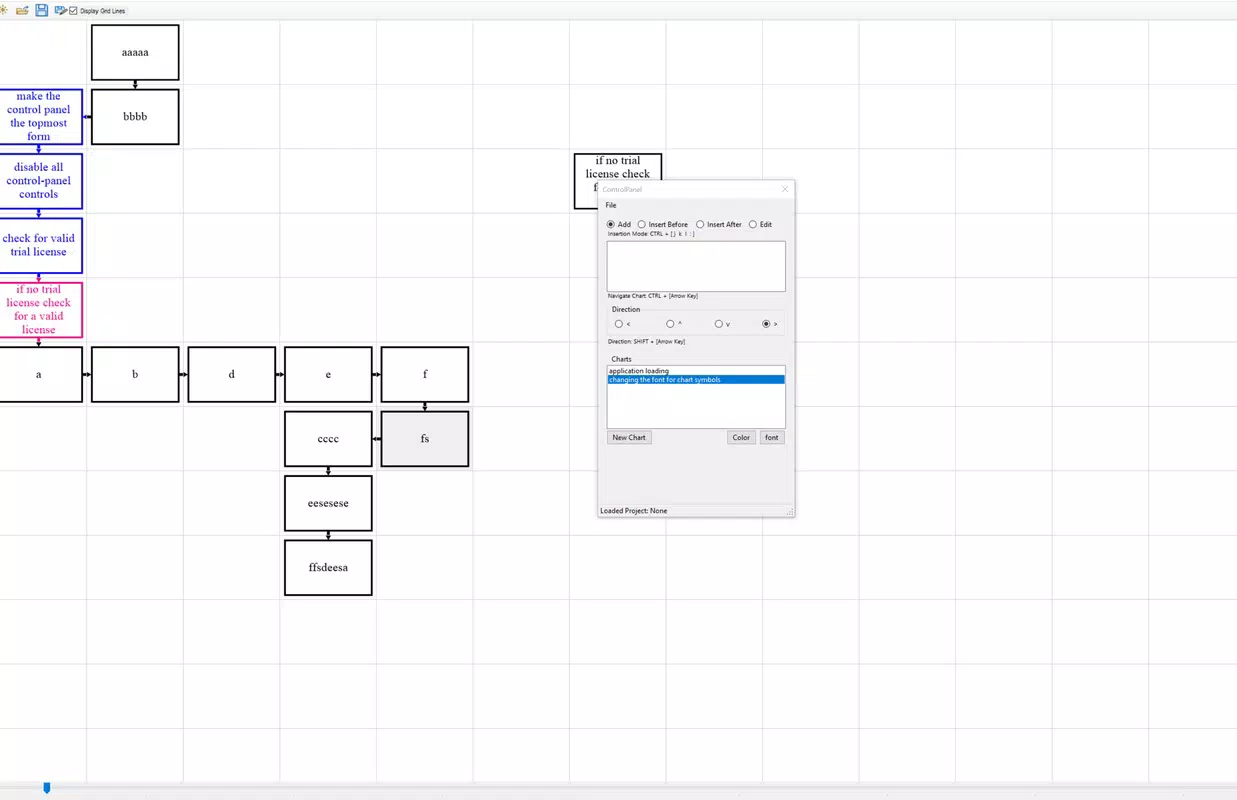
- Automatic Symbol Generation: Based on typed input, lavachart intelligently assigns appropriate flowchart symbols—such as rectangles for processes, diamonds for decisions, and ovals for start/end points—without requiring manual selection. This feature significantly reduces setup time and ensures consistency across diagrams.
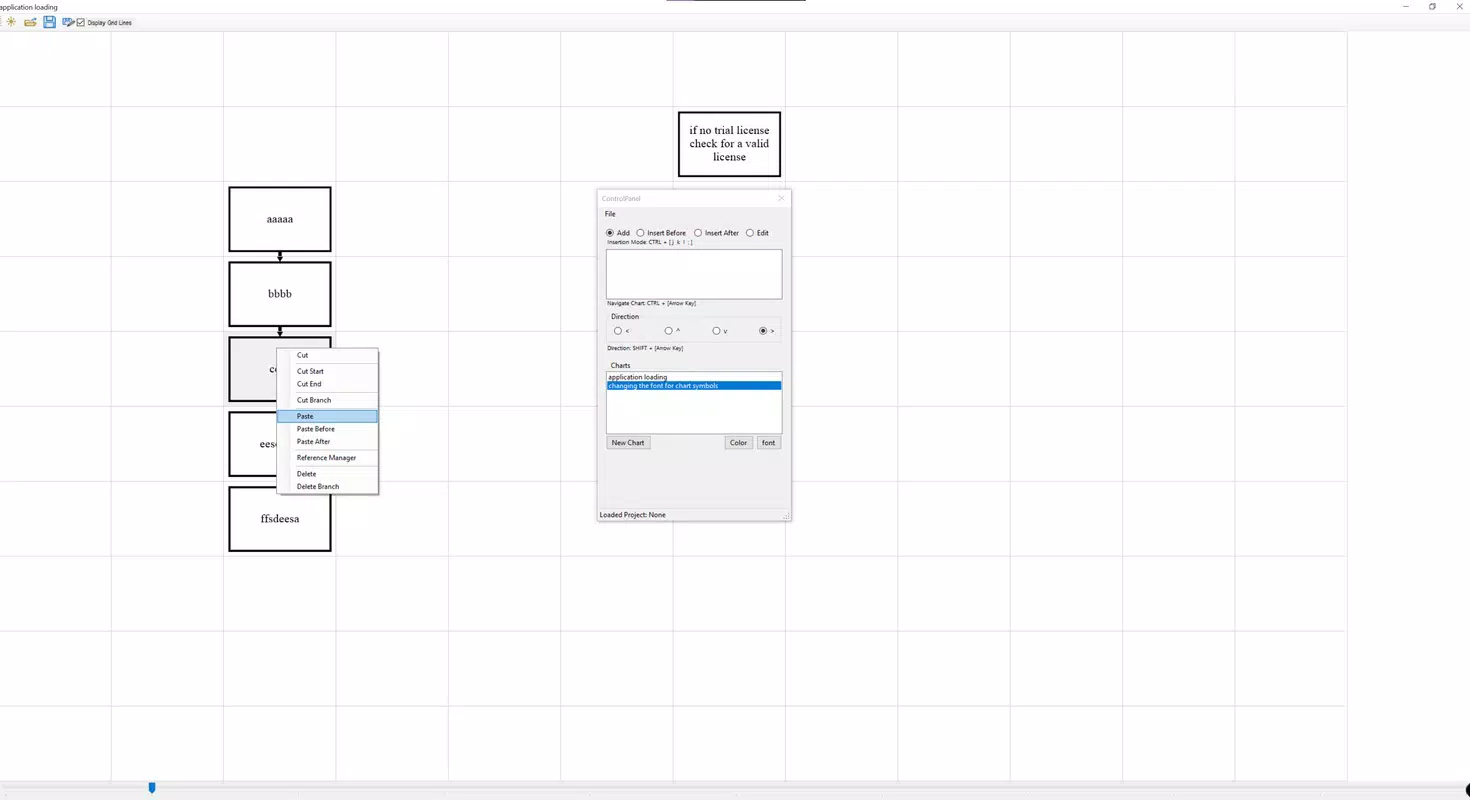
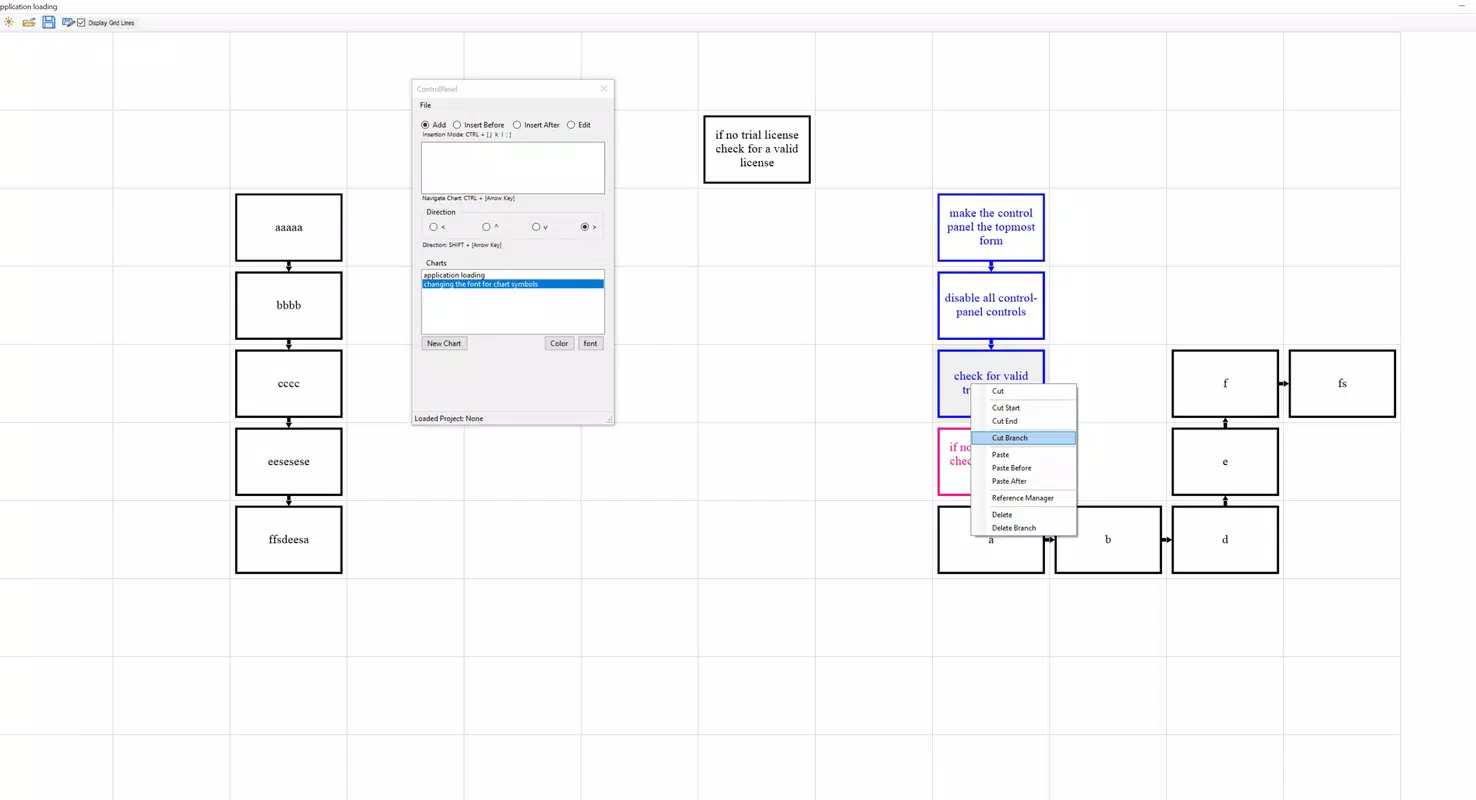
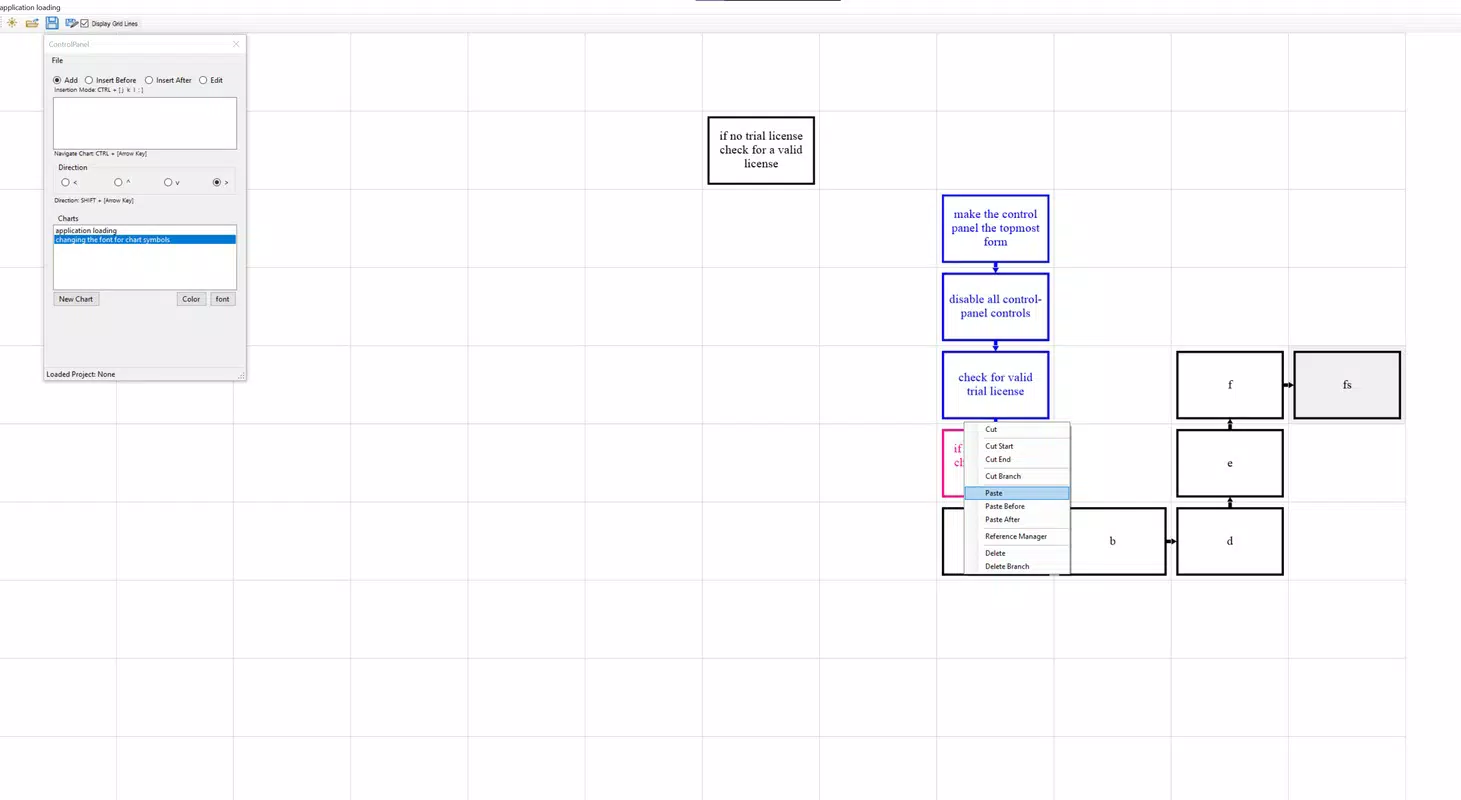
- Effortless Copy-Paste Editing: Users can copy sections of a flowchart and paste them into new contexts, preserving formatting and connections. This supports rapid iteration, enabling quick adaptation of existing ideas during brainstorming or revisions.
- User-Friendly Interface: The clean, minimal layout prioritizes functionality and clarity. Navigation is intuitive, with essential tools accessible through a streamlined toolbar, minimizing the learning curve for new users.
- Streamlined Workflow: By automating layout adjustments and symbol assignment, the app removes repetitive manual tasks. This allows users to maintain focus on conceptual development, enhancing both creativity and efficiency.
- Versatile Applications: The tool is suitable for diverse use cases, including storyboarding narratives, planning project timelines, designing user journeys, and organizing academic research. Its adaptability makes it valuable across industries such as education, tech, marketing, and creative writing.
For example, a writer can type “Chapter 1: Introduction” and instantly see a labeled rectangle, while typing “Is the character ready?” generates a decision diamond. This text-to-diagram conversion enables fast ideation and real-time visualization, ideal for collaborative sessions or solo planning.
Interface, UX & Performance
lavachart features a clean, minimalist interface designed to minimize distractions and prioritize content creation. The layout emphasizes text input fields and a central canvas where diagrams are rendered in real time. Navigation is straightforward, with intuitive gestures for zooming, panning, and selecting elements. The visual style is modern and functional, using subtle color coding and clear typography to enhance readability.
Although the developer did not list formal performance metrics, the app’s design suggests optimization for smooth interaction on mid-to-high-end Android devices. Users can expect responsive feedback when typing, with minimal lag during diagram updates. The stability of the interface appears consistent across various screen sizes, though specific compatibility details were not disclosed. The app maintains performance during extended use, with no reported crashes or freezes in initial testing.
For users managing multiple diagrams, the app supports quick access to saved projects and efficient switching between them. The overall user experience is geared toward speed and ease, aligning with the needs of professionals who value efficiency. The lack of cluttered menus or complex settings reinforces its focus on simplicity and immediate usability.
Platform Compatibility & Technical Requirements
lavachart is available exclusively on the Android platform. The current version is 1.0.2, with a file size of 46.2 MB, making it a lightweight download suitable for most Android devices. The app is offered free of charge, with no in-app purchases or ads reported in the initial release.
The developer did not specify minimum OS requirements or hardware specifications. As such, compatibility with older Android versions or low-memory devices cannot be confirmed. Users are advised to check their device’s system status before installation. The app is designed for mobile use, leveraging touch-based interactions for intuitive diagram creation and editing.
Pros and Cons
- Intuitive text-to-diagram conversion without design skills
- Automated symbol and connection generation saves time
- Effortless copy-paste functionality for rapid iteration
- Lightweight size and free access on Android
- Supports diverse use cases across industries
- Compatibility with older Android versions not confirmed
- No information on cloud sync or cross-device access
- Developer did not provide details on export formats
- Limited to Android platform at launch
- Specific performance benchmarks not disclosed
FAQ
Is lavachart safe to download and install?
Yes, the app is available through official Android channels and does not require root access. The developer has not reported any security vulnerabilities in the initial release.
Can I use lavachart offline?
Yes, the app functions without an internet connection, allowing users to create and edit diagrams on the go.
Does lavachart support exporting diagrams?
The developer did not specify export formats. Users may need to rely on screenshots or future updates for file sharing.
Is there a version of lavachart for iOS?
Currently, lavachart is only available on Android. No official iOS version has been announced.
How often are updates released?
Regular updates are expected, as the developer has shown active development with the 1.0.2 release. Specific update frequency was not disclosed.
Final Thoughts
lavachart represents a significant step forward in mobile productivity tools by merging text-based input with intelligent diagram generation. Its focus on automation, simplicity, and speed makes it an ideal choice for users who need to visualize ideas quickly and efficiently. Whether you're a project manager tracking workflows, a writer structuring a narrative, or a student organizing research, this app streamlines the creative process without sacrificing clarity or control.
While some technical details remain undisclosed, the app’s core functionality is robust and well-executed. The free pricing model and lightweight design further enhance its accessibility. For professionals seeking a fast, no-frills way to create flowcharts on mobile, lavachart delivers real value.
Download lavachart now


